
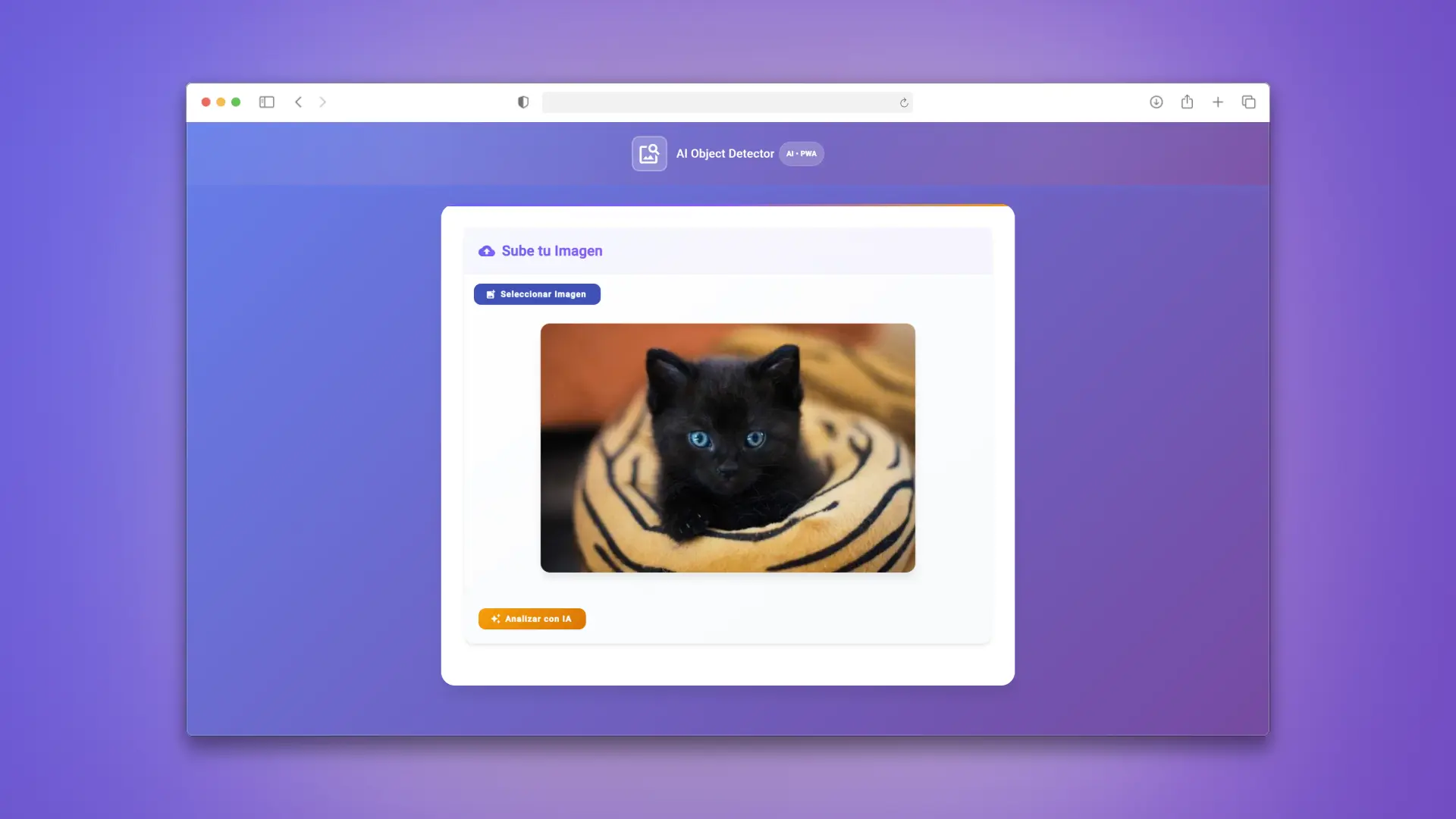
🧭 Overview
Progressive Web App that lets users upload an image and get object classification predictions directly in the browser using TensorFlow.js (MobileNet). Inference runs client-side — no images are sent to external servers.
🔗 Demo: https://pwa-angular.vercel.app/
✨ Features
- Image classification with TensorFlow.js + MobileNet.
- Installable PWA with offline support.
- GPU-accelerated predictions via WebGL.
- Update notifications when a new version is available.
- Responsive UI with Angular Material.
🛠️ Tech Stack
- Angular 19
- TypeScript 5
- Angular Material
- Angular Service Worker
- TensorFlow.js + MobileNet
- SCSS + ESLint
📋 Requirements
- Node.js 18+
- npm
- Angular CLI (optional, recommended)
🚀 Installation
git clone https://github.com/Fr4n0m/pwa-angular.git
cd pwa-angular
npm install
npm start
App runs at http://localhost:4200.
🌍 Test PWA Mode (Offline)
npm run build
npx http-server -p 8080 -c-1 dist/pwa-angular/browser
Open http://localhost:8080.
📜 Main Scripts
| Script | Description |
|---|---|
npm start |
Start dev server |
npm run build |
Production build |
npm run watch |
Watch build |
npm test |
Unit tests |
npm run lint |
Lint code |
🤝 Contributing
- Fork the repository.
- Create a branch:
git checkout -b feature/your-change. - Keep commits clear and focused.
- Run
npm run lintandnpm test. - Open a PR with a concise explanation of the change.
Open an Issue first if you find a bug or want to discuss an enhancement.
📄 License
MIT